
Looking for a way to accept donations on your WordPress site? You have come to the right place. In this article, I’ll show you how you can create donation forms on your website using a simple WordPress form plugin and accept donations from people seamlessly – no matter which device they are using.
For this purpose, we will be using the WPForms Pro form builder plugin. If you are already using it on your site, you can jump straight to the tutorial. Else, have a look at its advantages below and find out how you can get it a reduced price.
Advantages of using WPForms
Apart from being one of the most popular WordPress form plugins of all time, WPForms Pro is backed by the same team behind other popular WordPress plugins like OptinMonster and MonsterInsights. You can check out my complete WPForms review over here.
One feature which might be of specific interest to you is its recurring donations feature. Apart from that, it allows you to customize the form fields, save the data to your website, and integrates with popular payment gateway providers (Stripe and PayPal). All you need to do is just set it up once and forget – no need to constantly break your head over it. It’ll just work like charm.
(Just don’t forget to keep it updated!)
Moreover, the donations forms created using WPForms look professional. So, your supporters and donors won’t be put off by bad design and potential donors might not find it suspicious (Who likes bad design btw?, I don’t). By the way, there are no fees for transactions (apart from the fee charged by your payment processor). If you are a nonprofit organization, you can get WPForms Pro at a discounted rate and save some money.
How to create a donation form in WordPress
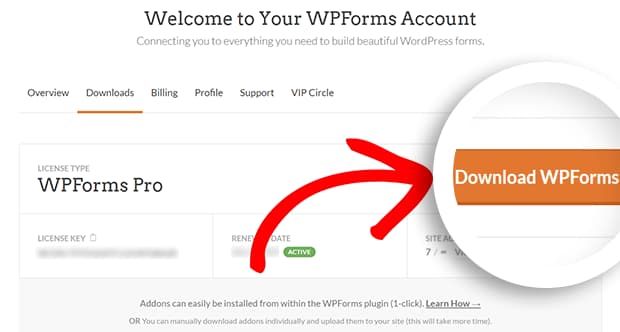
Install WPForms Pro
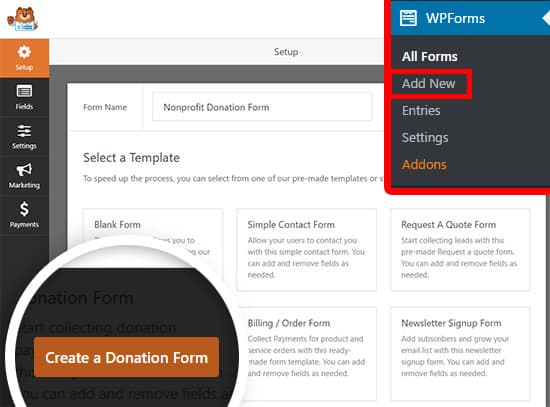
Create a donation form
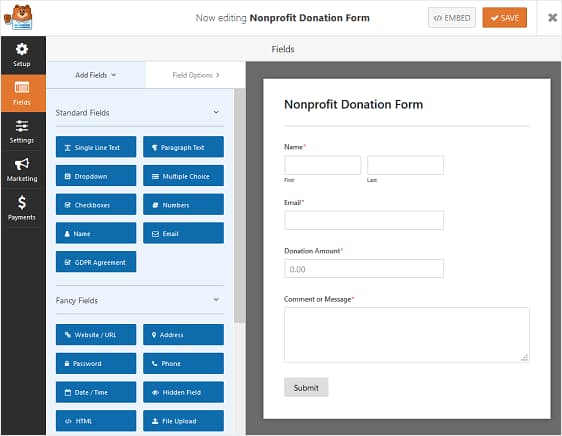
Customize form fields
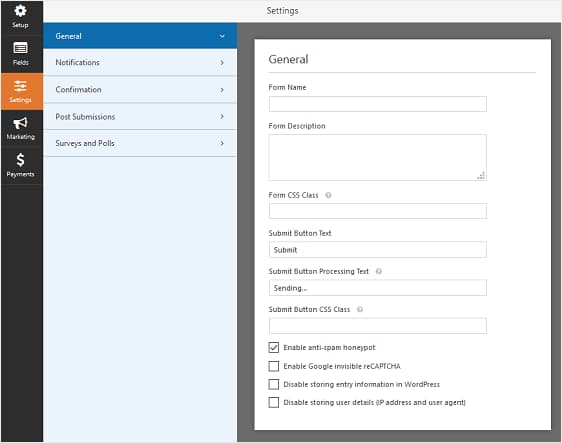
Change form settings
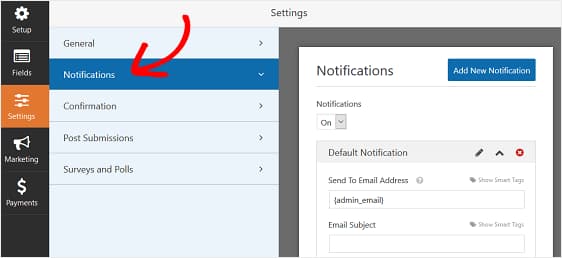
Enable donation notifications
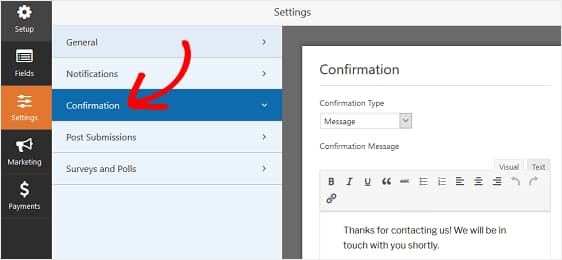
Customize donation confirmation message
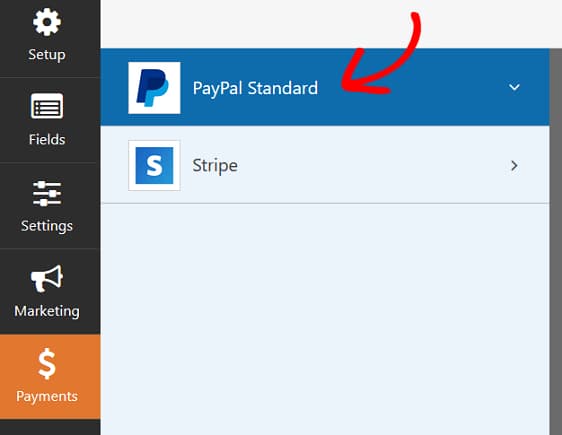
Configure donation payment settings
Then, click on the Payments tab in the Form Editor and configure it with the details required. Finally, save the changes and insert the form on your donation page using theWPForms block.
You can also add the contact details of donors to your email marketing list and keep them updated with how their donations are being put to use or send them general newsletters. WPForms comes with support for most of the email marketing providers out there (the popular ones at least).
If you still haven’t got WPForms Pro yet, you can get it from below. Go ahead and give it a try, it comes with a 14-days money-back guarantee. And if you are not satisfied with your form or its features, you can get a full refund with no questions asked.
Discover more from Antony Agnel
Subscribe to get the latest posts sent to your email.
 Antony Agnel