
With the increasing number of coronavirus cases and closure of physical stores, more and more people are beginning to shop online – be it for essentials or even for other things like gadgets, accessories, and whatnot. Realizing that this is a good time to start catering to this growing demand, many stores and freelancers have started focusing on selling products and services online.
Now, I understand that if you are on this page, it means that you would like to sell something on your WordPress site too – I am not going to ask what it is but if you’re interested, you can let me know in the comments section below.
In this article, I’m going to show you how to create a simple order form on your WordPress site and accept payments online.
Before we begin
Before we can start creating order forms on your WordPress site, you need the WPForms Pro WordPress form builder plugin on your site. You might already be using the free version which is great. But with the pro version, you can unlock a whole lot of other features which can greatly enhance the form building experience on your site. But more importantly, it allows us to create order forms and collect payments online using Stripe or PayPal.
You might want to check out my WPForms review!
How to create an online order form in WordPress
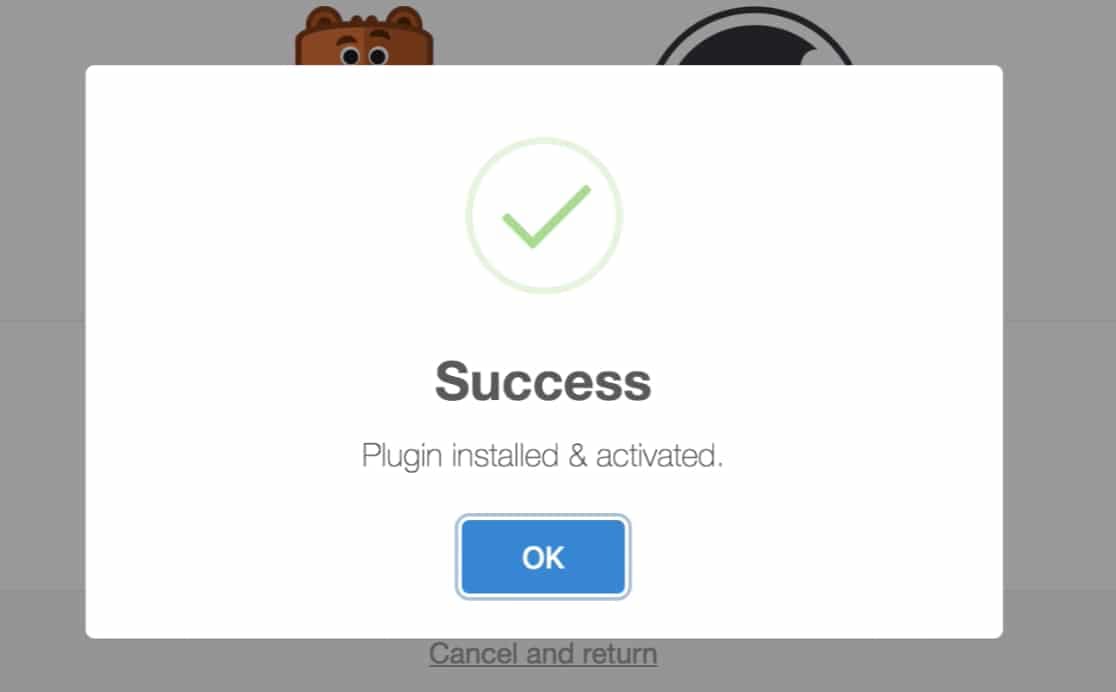
Install and activate the WPForms plugin
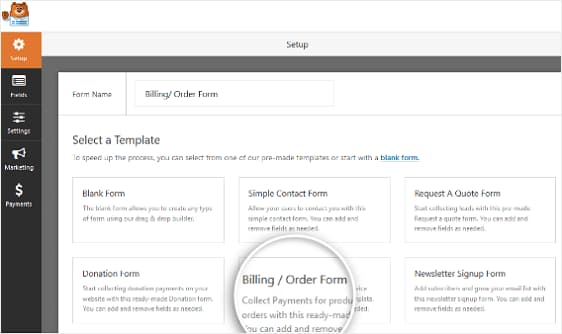
Create a billing order form
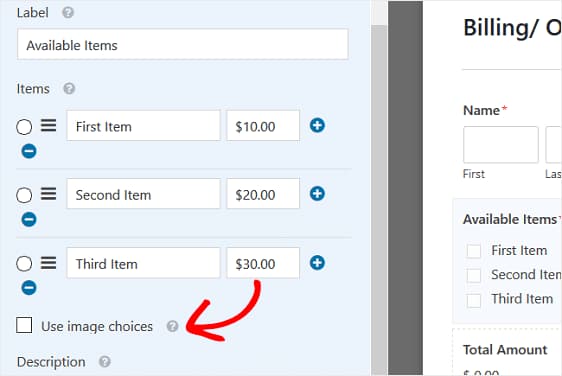
Customize items that can be ordered
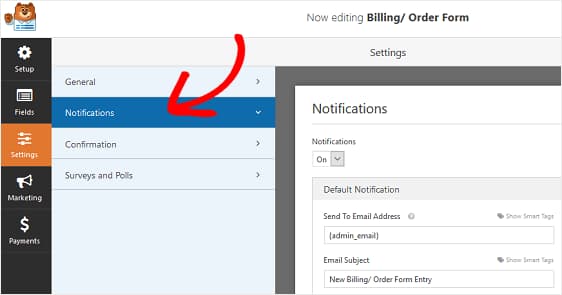
Configure form notifications
.
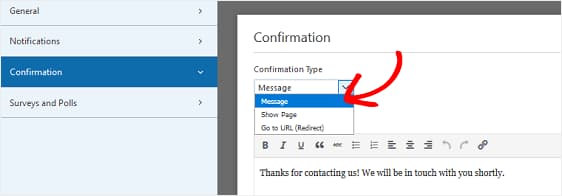
Configure order success action
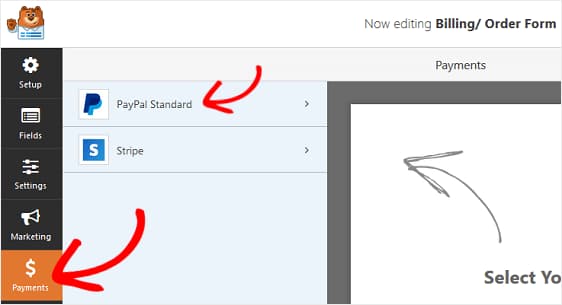
Configure payment settings
Once you have decided which payment gateways you are going to use on your site, activate those add-ons from your WPForms Addons page, save your form and reload it. Now, you can configure them under the Payments section.
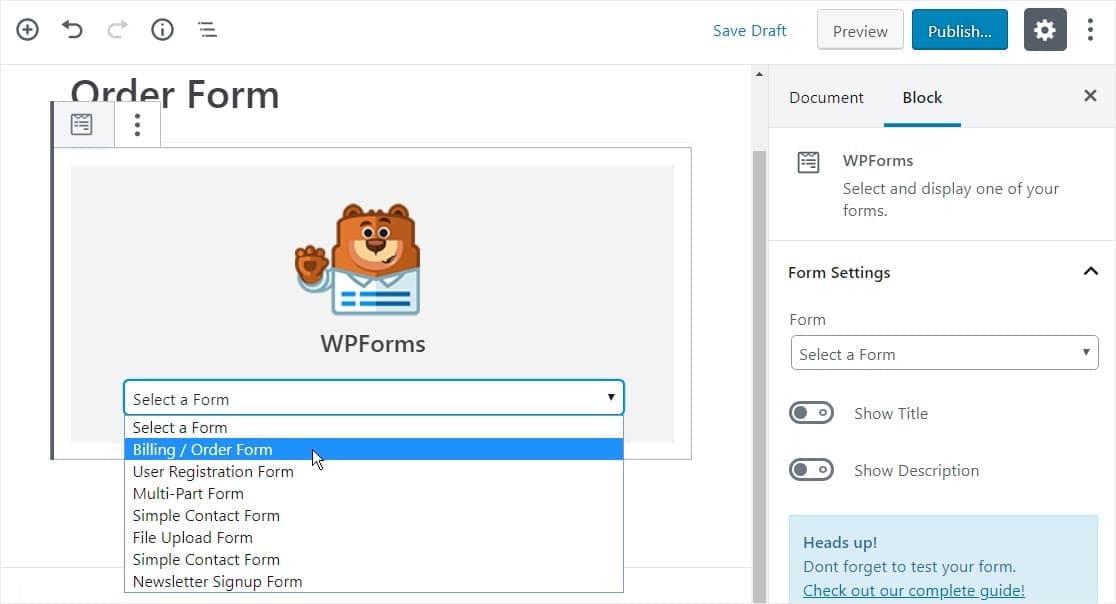
Add order form to WordPress page
That’s it, you now know how to create your own order forms. Remember that you can even add these forms to your sidebar or other widget areas. But please don’t add it to a widget area if it doesn’t make any sense – use it when necessary.
Discover more from Antony Agnel
Subscribe to get the latest posts sent to your email.
 Antony Agnel