
Content locking is one of the most widely used techniques by many online publishers to monetize their content or generate high quality leads online. They frequently share valuable content and expect a part of their reads to convert into subscribers. But obviously they can’t keep creating free content right without expecting anything in return right? It’s not sustainable.
Before publishing a piece of content, a whole lot of research goes into that. Then, there’s time borrowed from work and free hours, proofreading it for errors, going through the content, again and again, to make it content more readable, sharing it, and hosting everything on a website.
As a blogger, I know how much work and money goes into running a successful website. Now, let’s see what content locking is, its benefits, and how you can enable content locking on your WordPress website without much trouble.
What is content locking
Content locking is when someone ‘locks’ their content behind a ‘wall’. In most cases, you can unlock it by subscribing to their articles with your email address or by sharing it on a social media website. Sometimes, they can be paywalled too – that is, you have to pay for a subscription to unlock them (like most news websites and online magazines).
In general, publishers either lock an interesting piece of content (and share other articles freely on their site) or share all their content freely but make only the first few paragraphs visible giving the readers a preview of what to expect if they choose to unlock it. And if the reader is still interested and trusts that it might add value to whatever they are doing, they can unlock it by subscribing to the website or paying for a subscription.
What are the benefits of content locking
Some of the popular benefits of content locking are –
- Grow your email list when people subscribe to read your content
- Boost your social signals when people share or like it on social media to unlock your content
- Generate high-quality leads as people who are only really interested will unlock your content in the first place
- Segment readers into different lists and send them targeted newsletters
How to add content locking in WordPress
In this tutorial, I will be using OptinMonster to show you how to lock the content in WordPress. The reason why I’m using OptinMonster is that it is unlike any other lead generation plugin for WordPress – it is lightweight, easy to use, and extremely powerful.
Also, OptinMonster is one of the most popular and trusted WordPress lead generation plugins out there. But unfortunately, it’s not available for free – it’s a premium plugin but is quite affordable. To use this feature, you need to be on their Plus or Pro plan.
Other than that, you can use it for creating spin-to-win lucky wheels, exit-intent popups, attention activation, split testing, and more. You can read more about it in my OptinMonster review.
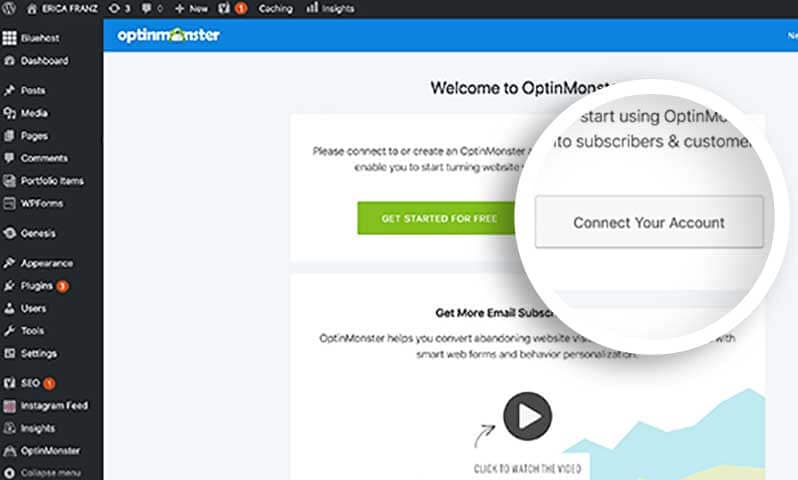
Install and activate OptinMonster
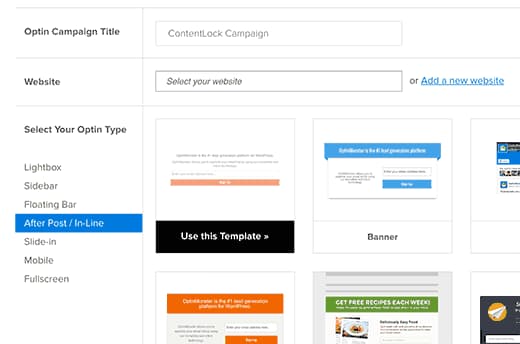
Create an ‘After post / Inline’ optin
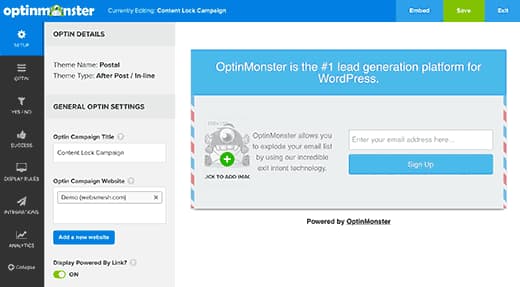
Customize the optin
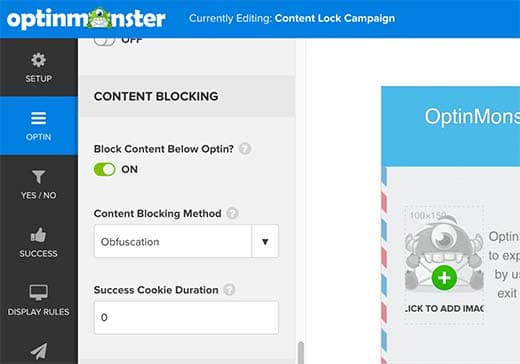
Turn on content blocking
.
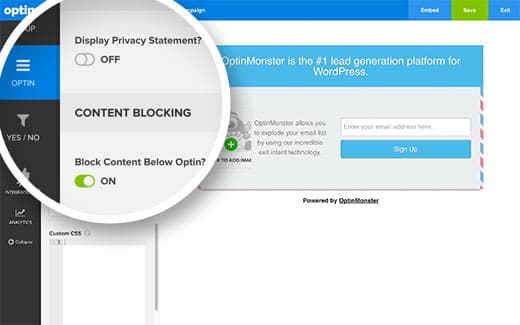
Choose content blocking method
Connect email marketing service
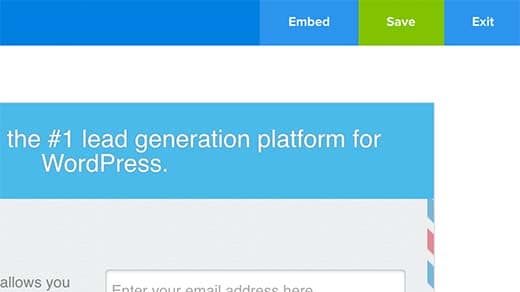
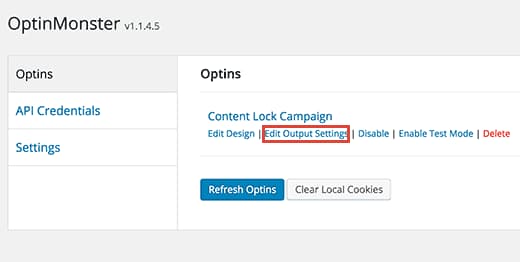
Enable optin on your site
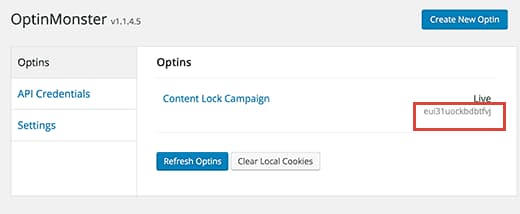
Implement content locking
That’s it, you have now successfully implemented content locking on your WordPress site. If you want to implement content locking on all your posts automatically, use a shortcode or ad code inserter plugin and paste your shortcode in that place. It will automatically lock your content on all your posts. So, what are you waiting for?
Discover more from Antony Agnel
Subscribe to get the latest posts sent to your email.
 Antony Agnel