
Salesforce is inarguably the best Customer Relationship Management (CRM) software out there. It easily beats the competition due to its ease of use, features, and support. It is used by large corporations and small businesses alike. And some of them might be having websites that run on WordPress to generate leads online, provide customer support, or even as just a home page on the internet.
Problem with moving data from WordPress to Salesforce
What happens when these business owners want to move data from WordPress to Salesforce? They either hire someone to copy all the data manually from WordPress and paste it to Salesforce or they can just automate it.
For small agencies, the manual option might help. But for large companies spending thousands of dollars on ads and other promotions for lead generation, their websites can easily rack up millions of page views each month, and things can easily get out of hand. You can’t rely on one person to do it all, you will need a whole team for that. And copying data from WordPress to Salesforce is not as easy and straightforward as it sounds – people who have used Salesforce would agree with that. Instead of doing all this, you can automate it.
Well, until now there was not an easy to use, out of the box option for exporting contact form entries or other form entries from WordPress to Salesforce. Zapier helped a bit with the integration part but that’s another story.
Now, you can automatically export (sync) WordPress form entries right from your website to your Salesforce org using WPForms. Yes, that’s right – WPForms has now introduced a new addon that can considerably lessen the work you do by fully automating it. It can also help you save a lot of time and money in the long run.
WPForms Salesforce Add-on Features
Once you have installed WPForms and its Salesforce addon on your site, you can configure what type of Salesforce object your form entries must create in your org. In general, it is best to save new entries as Leads in your Salesforce org if you are primarily using your website for lead generation. If it is a quote/estimation request form, you can use the Opportunity object. Or, if it’s a new user registration, you can add it to the Account object.
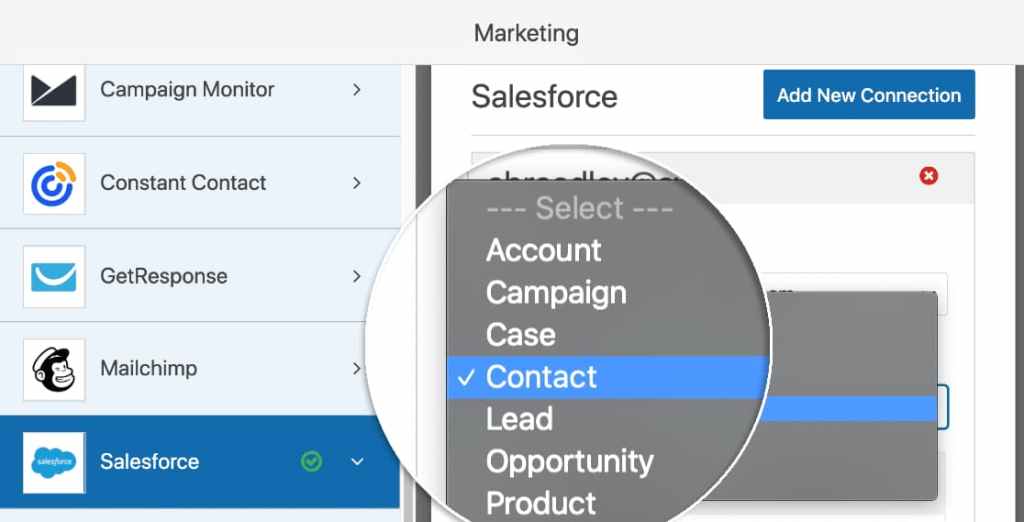
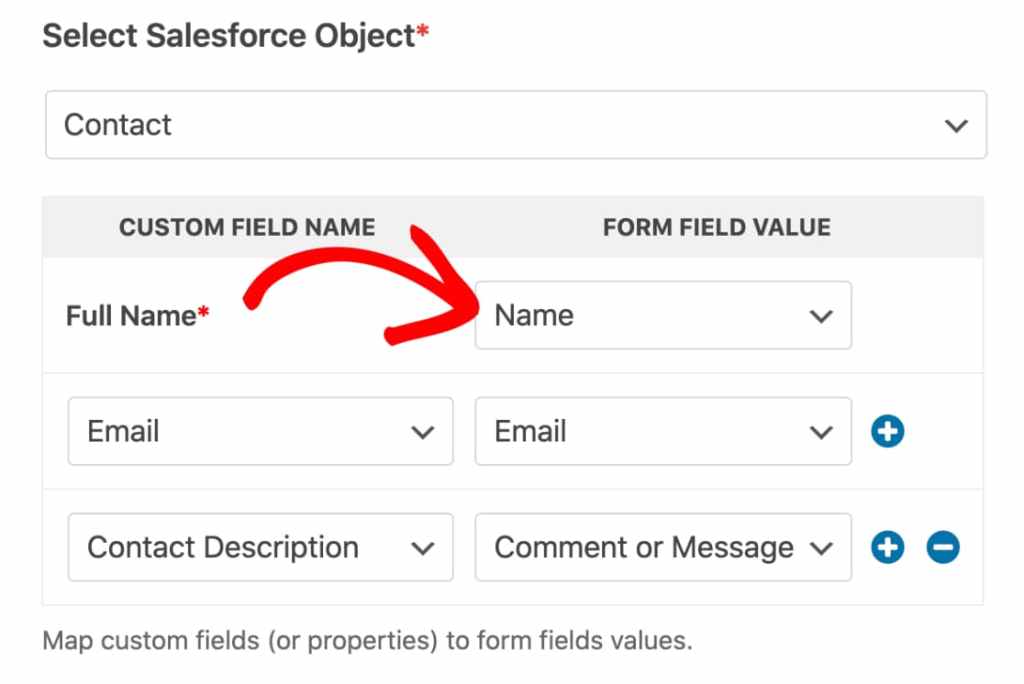
Once you have selected which object you are going to use for each form, you half your work is done. The next step is to map the fields in your form to the fields present in the Salesforce object.
And the best thing about this integration is, WPForms allows you to configure conditional logic based on which it is decided whether to add the entry to your Salesforce org or not. You can use it to filter out entries that do not add value to your business.

And there’s one more thing I’d like to add here. WPForms allows you to add all your forms to the same org and all your Salesforce orgs to one website. It’s up to you – you can use it any way to meet your business requirements.
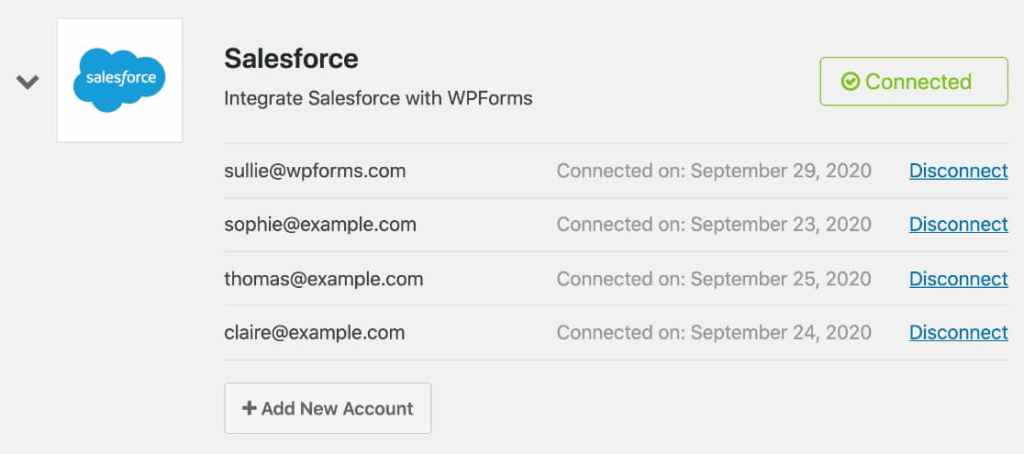
Since all this is made possible using the official Salesforce API, your data is secure.
Also, note that you will be needing a WPForms Elite license to use these Salesforce features on your WordPress site.
How to export WordPress form entries automatically from WordPress to Salesforce
Install and activate WPForms

Login to Salesforce account
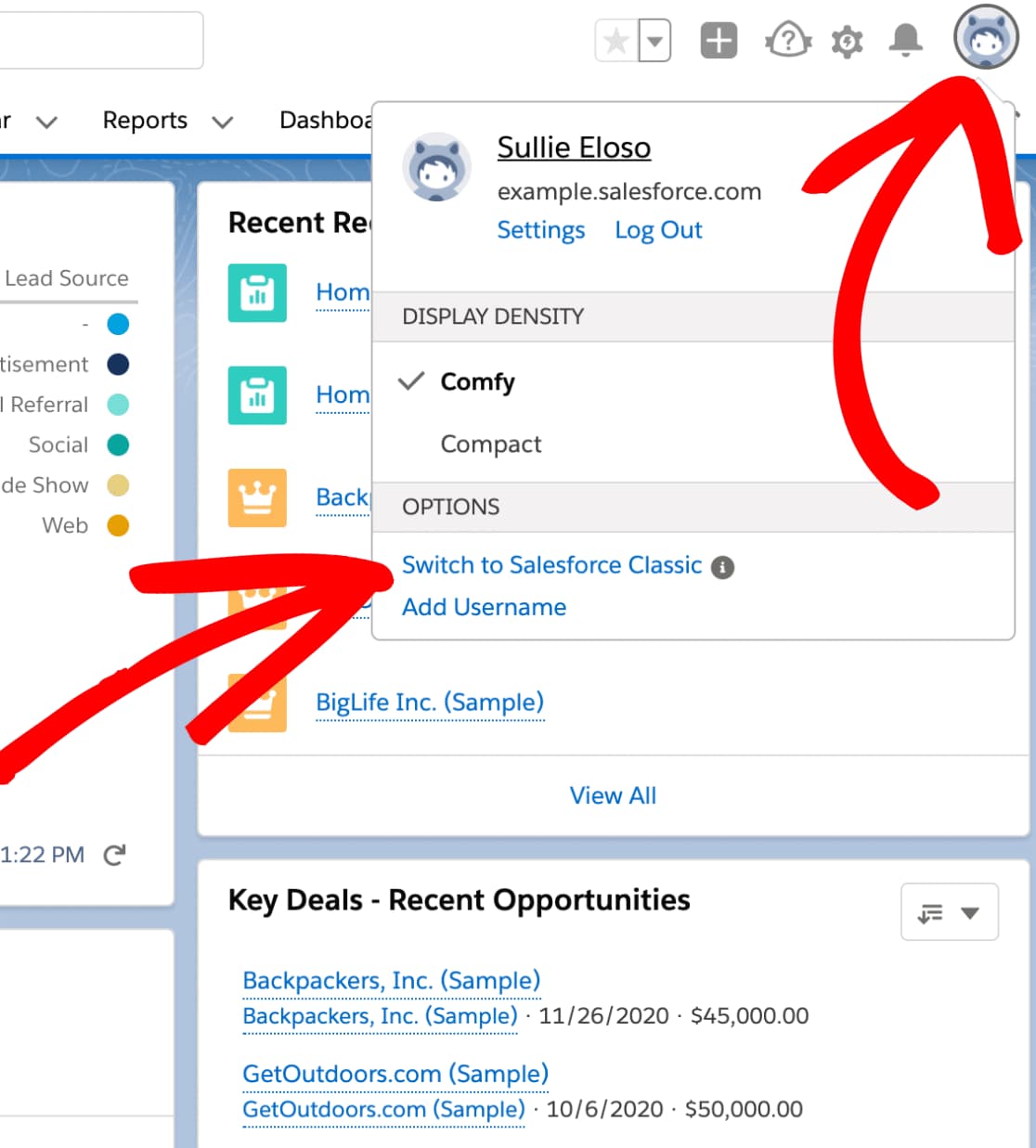
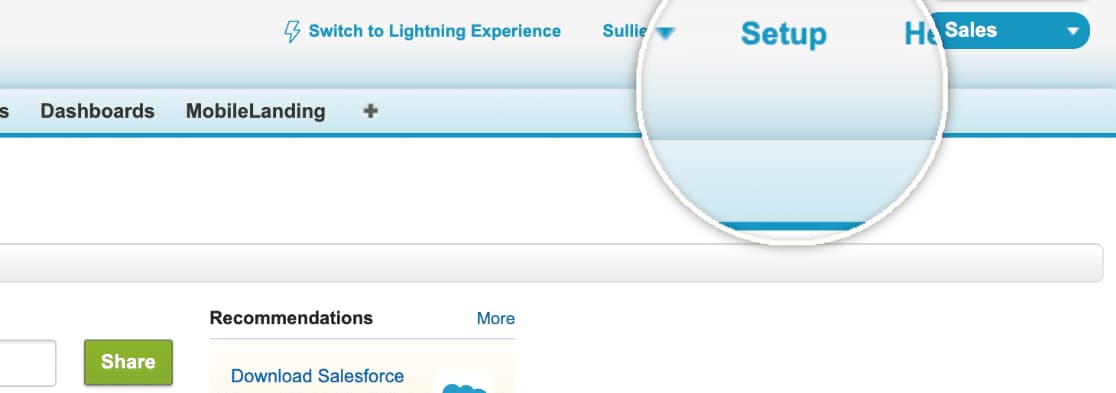
Go to Salesforce Setup
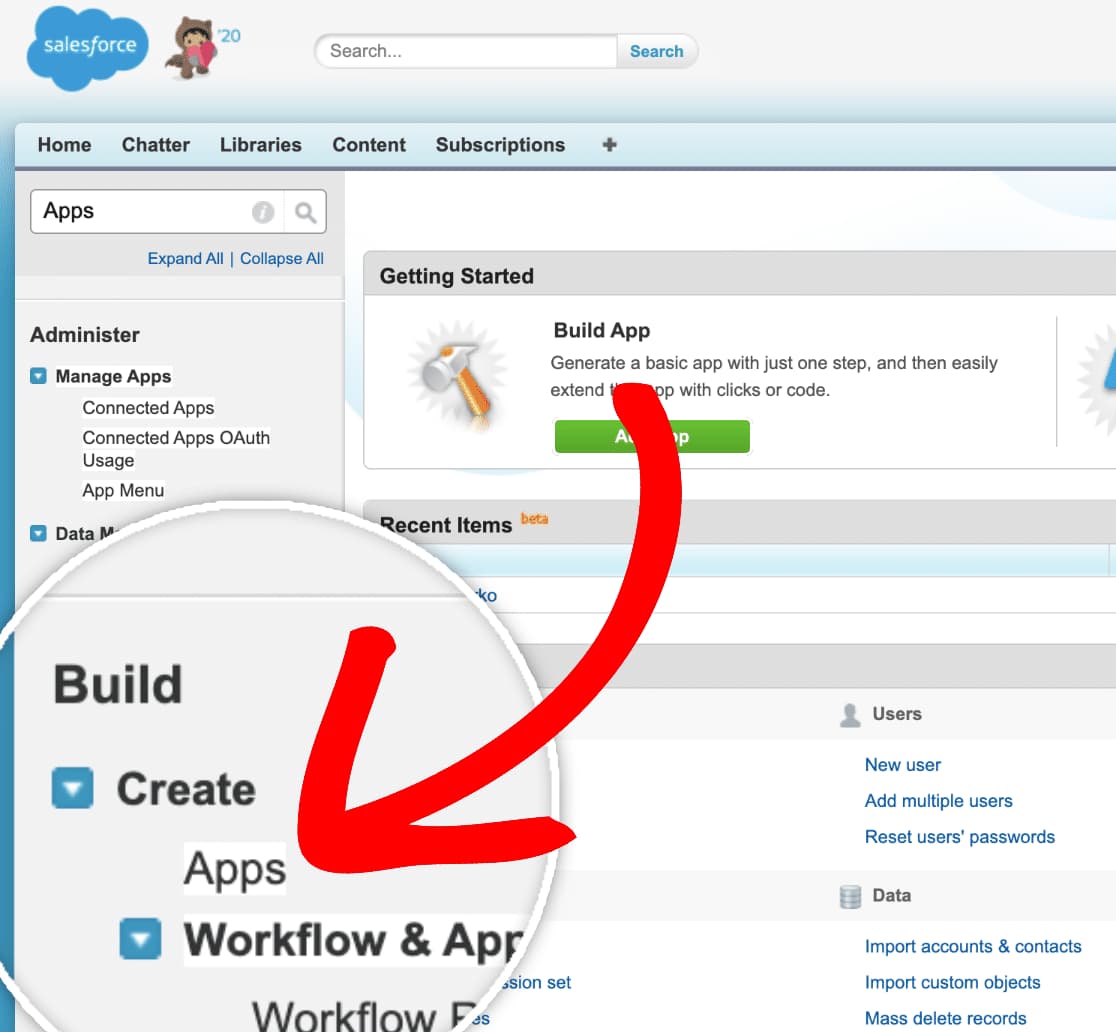
Search for Apps
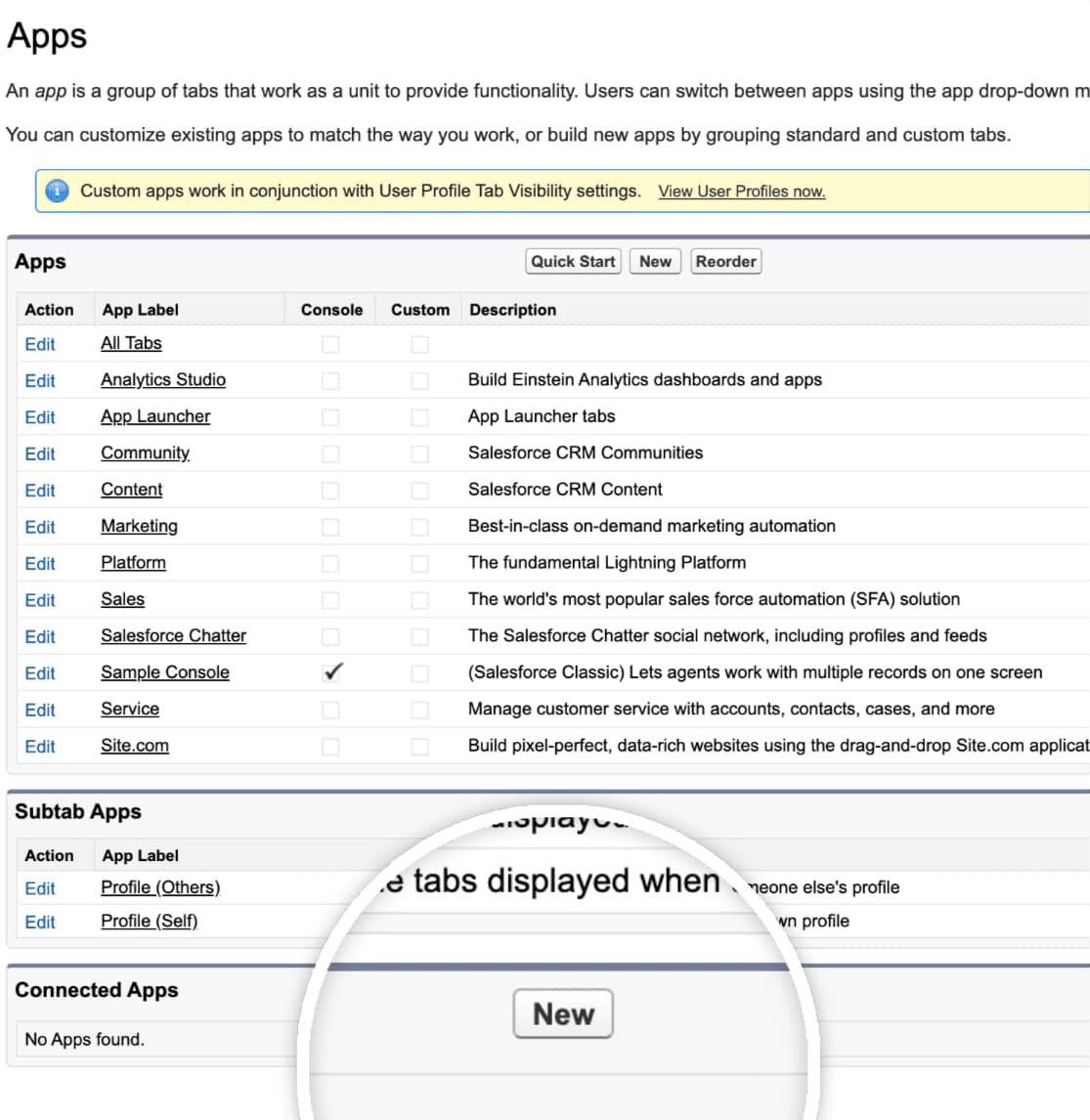
Create new Salesforce app
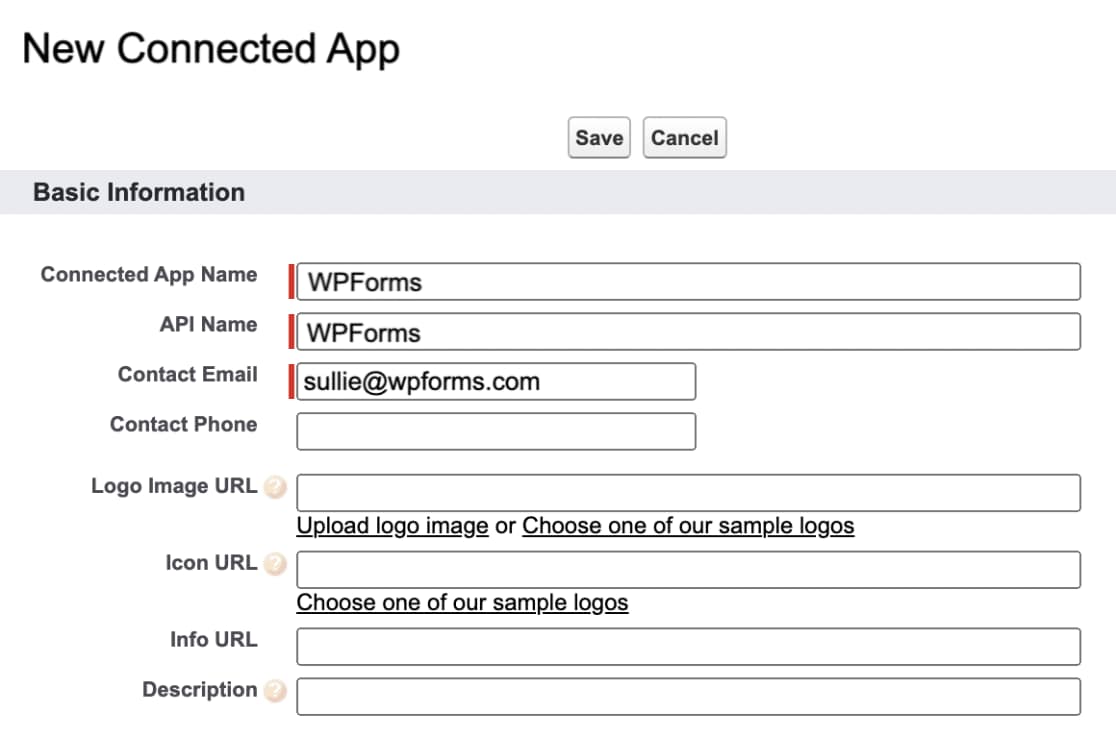
Fill out the app details
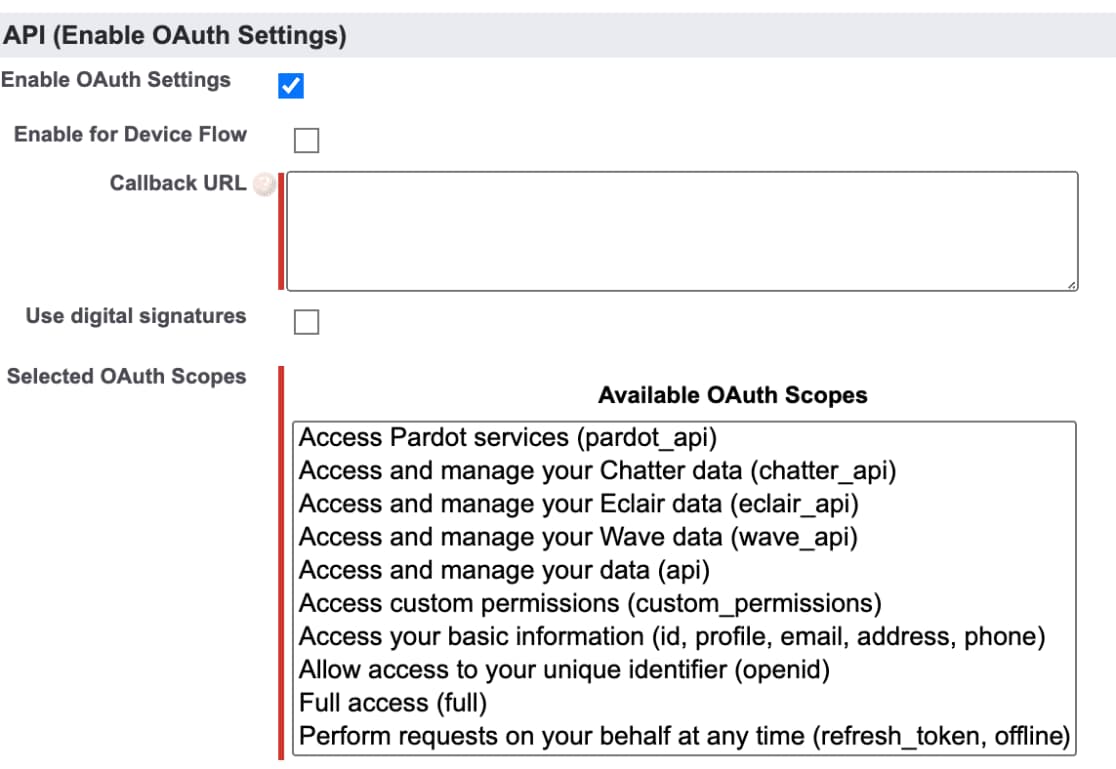
Enable OAuth Settings
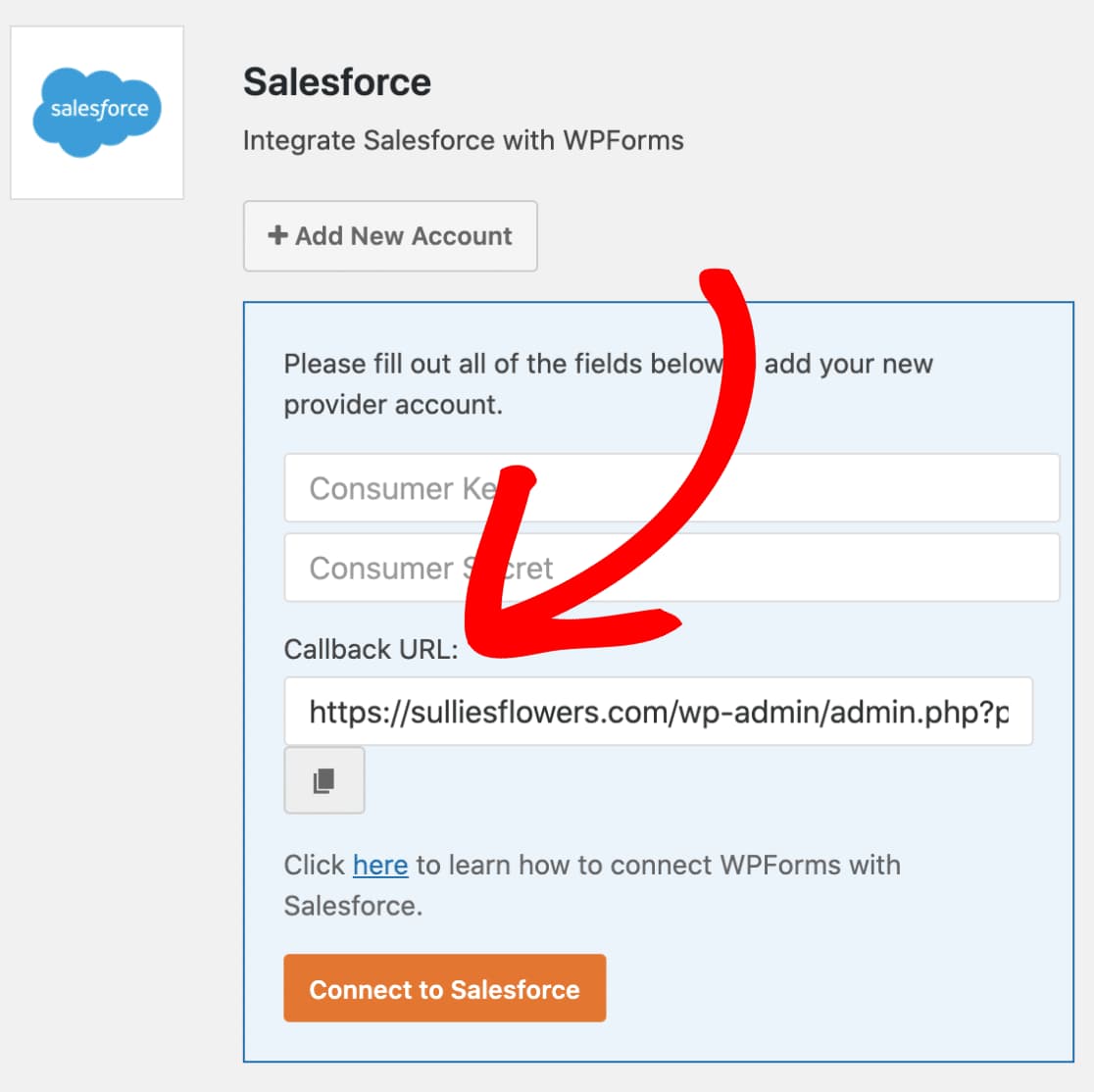
Copy callback URL
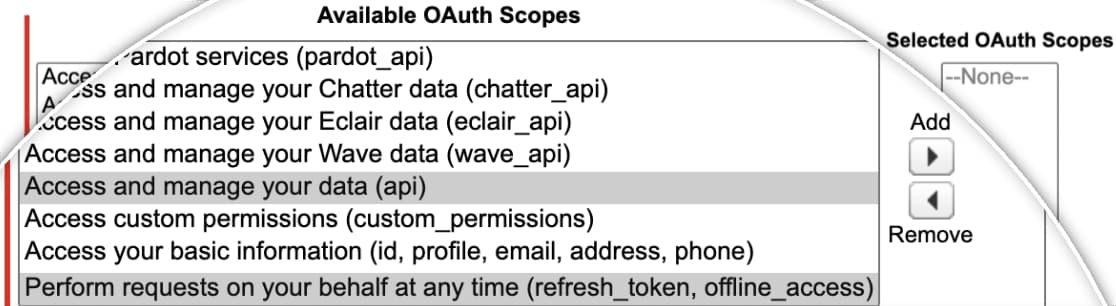
Select OAuth Scopes
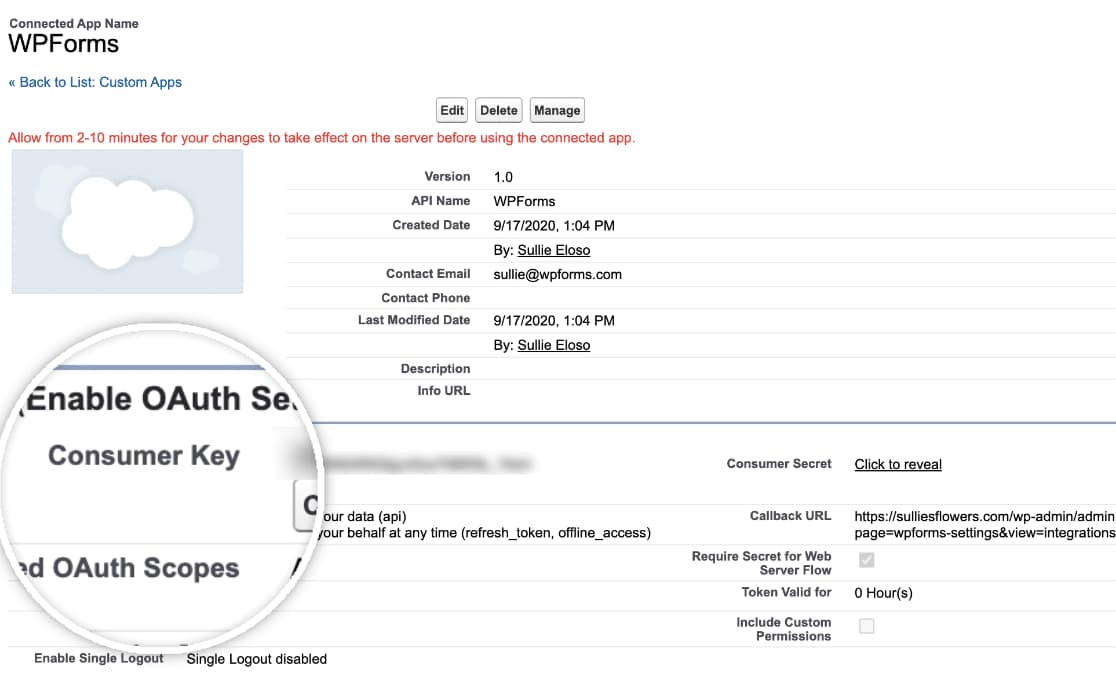
Wait for 10 minutes

Copy consumer key and consumer secret
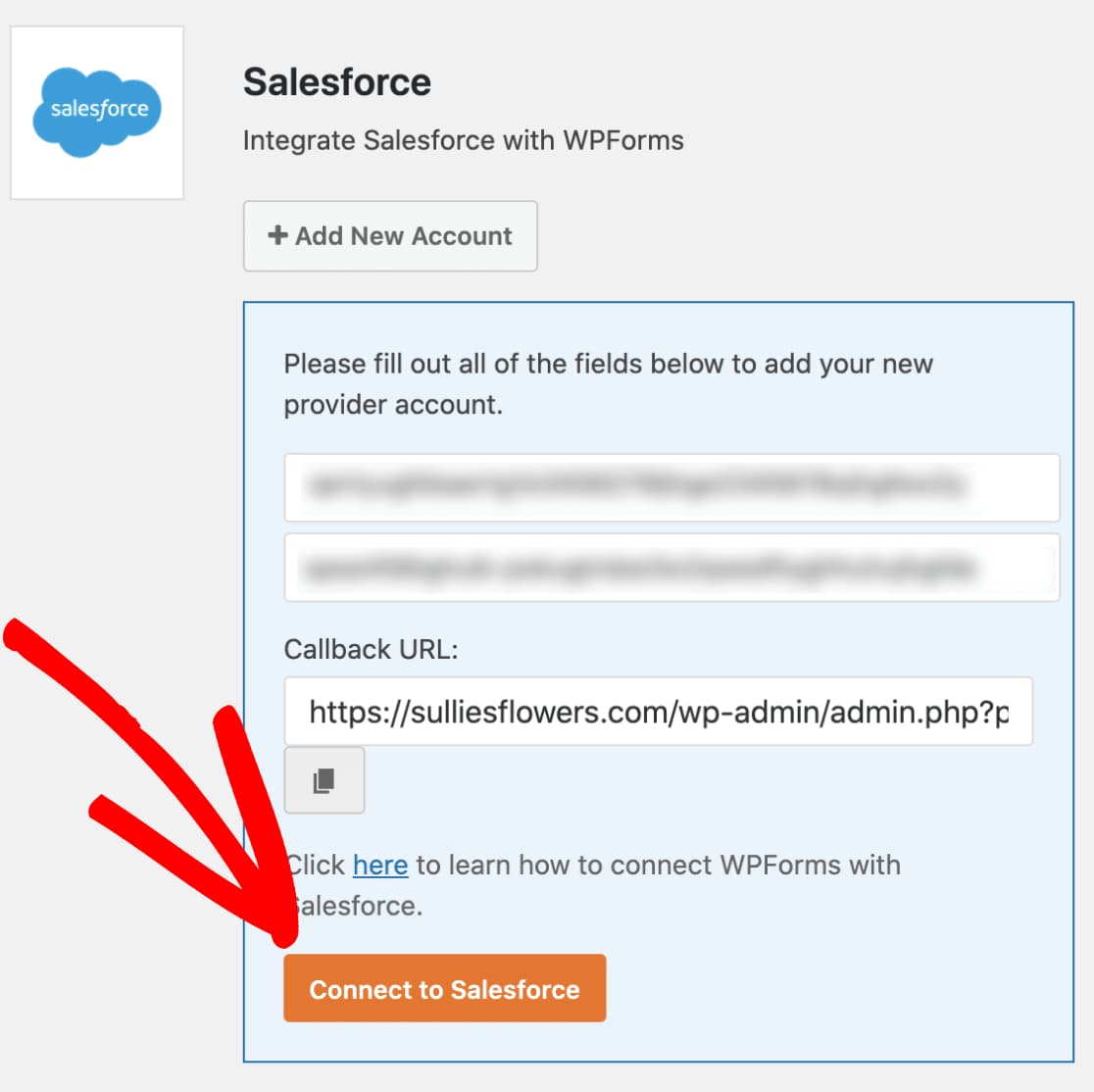
Paste and connect to Salesforce
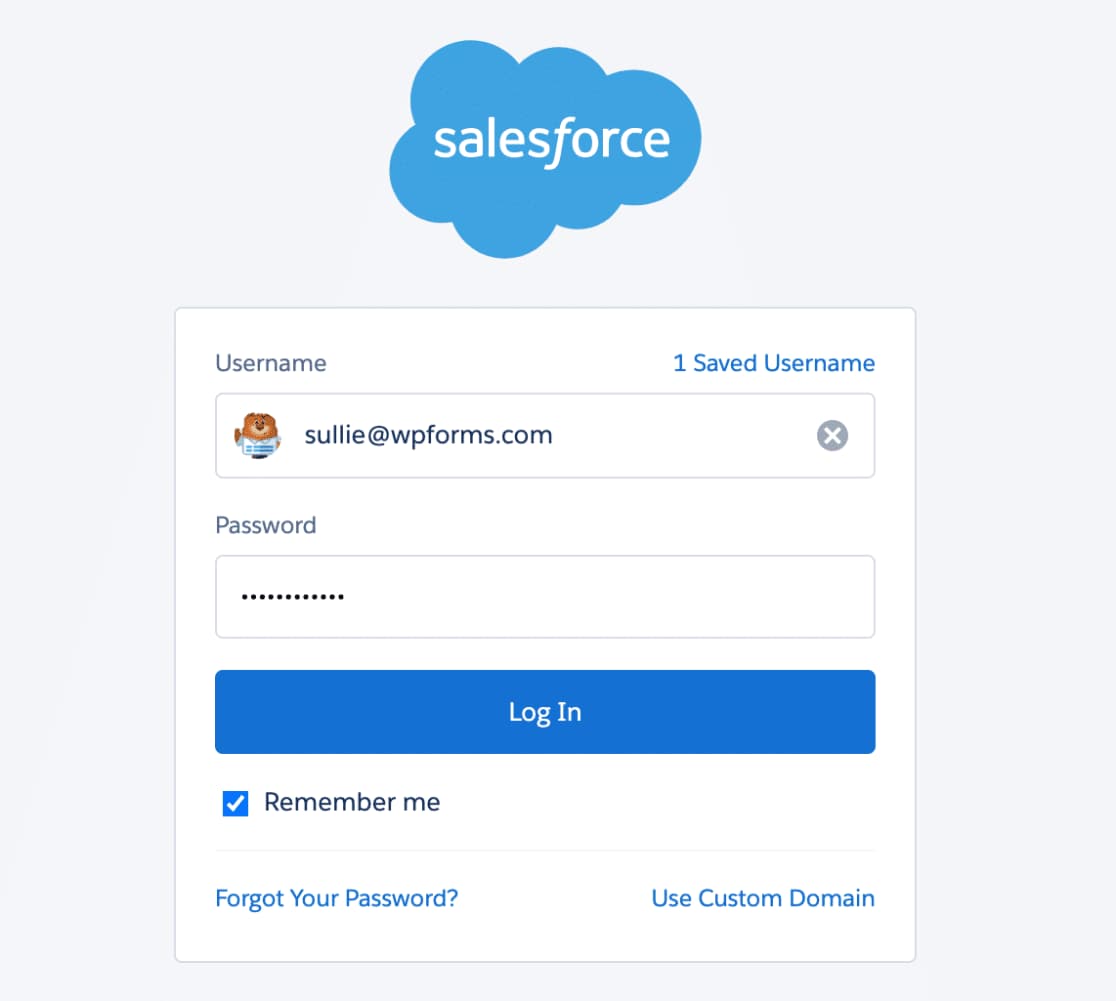
Login and allow access
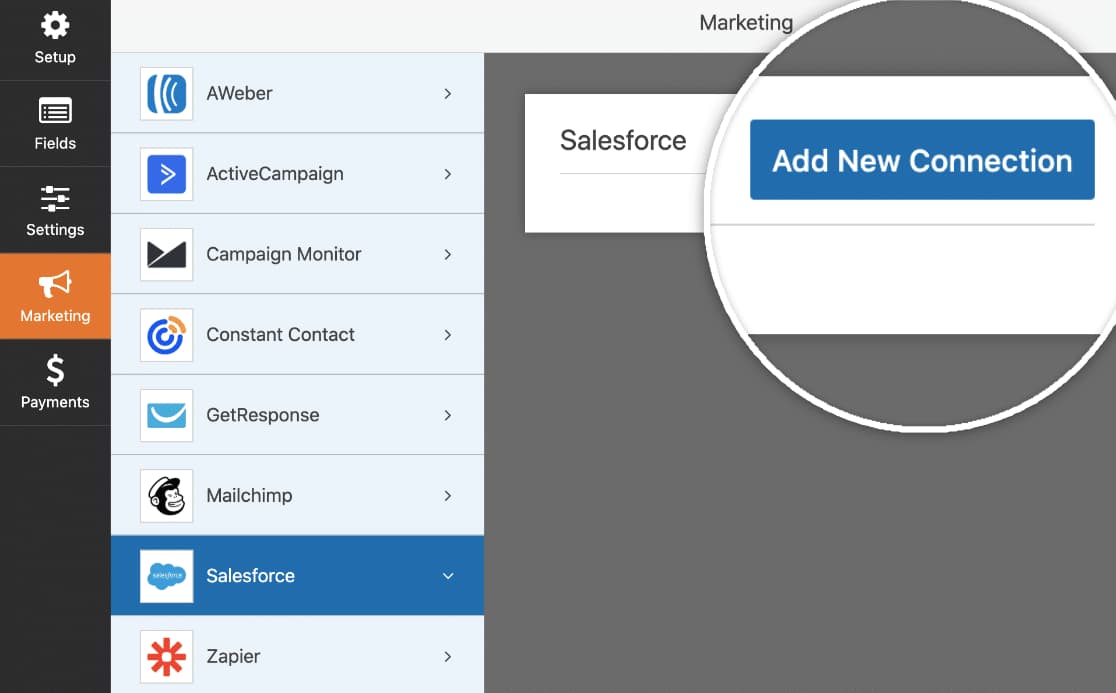
Create a WordPress form
That’s it. You now know how to integrate WordPress forms with Salesforce using a simple but powerful form builder plugin. All you have to do now is start creating new forms and map them to the correct Salesforce object and field.
P.S. You can read more about WPForms in my WPForms review or just by searching WPForms on my site.
Discover more from Antony Agnel
Subscribe to get the latest posts sent to your email.
 Antony Agnel