
There is one common issue that plagues many online store owners – coupon codes. First, many store owners can’t decide if they want to offer coupon codes or not. Second, they are not sure if it really helps to boost sales. Although I can’t help you decide whether you should offer coupon codes on your site or not, I can help you solve the classic problem of ‘users not able to find the coupon codes when they need them’.
This is really an issue and there are already many ‘types’ of solutions for it – web browser extensions like Honey which help bridge users find the right coupon codes when they need them and websites like RetailMeNot, Rakuten, and Groupon that share coupon codes and the latest deals on their websites.
This works well for popular online stores that already have a large following. But how do you solve this problem? Well, if you can’t afford to make the buys notice your site and add your promotions to their list, you could concentrate on making the existing visitors convert. So, how do you help people save money and ensure that your promotions are being noticed by the users?
By displaying the coupon codes to the users exactly when they need them, you can reduce cart abandonment and recover lost sales.
How do you solve this problem on your eCommerce site
Using OptinMonster, you can create a popup coupon and configure it to be displayed only to visitors coming from a specific location using geotargeting or to visitors who came to your site after clicking on one of your advertisements. This is just the tip of the iceberg. You can do a lot more with OptinMonster and it works on any site, no matter which platform or content management system you are on. It works on WooCommerce (obviously), Shopify, Magento, BigCommerce, and many more.
Note: You need an active OptinMonster plan to follow the below steps. If you aren’t sure if OptinMonster is the right choice for you, check out my OptinMonster review.
How to create a coupon popup in WordPress
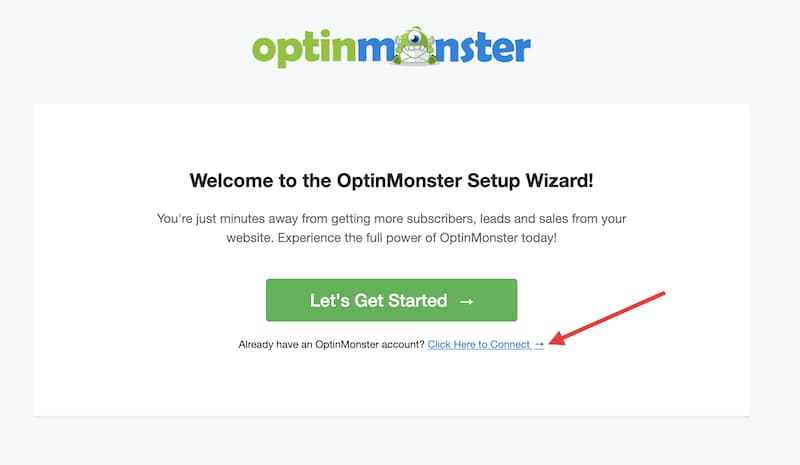
Install and activate OptinMonster
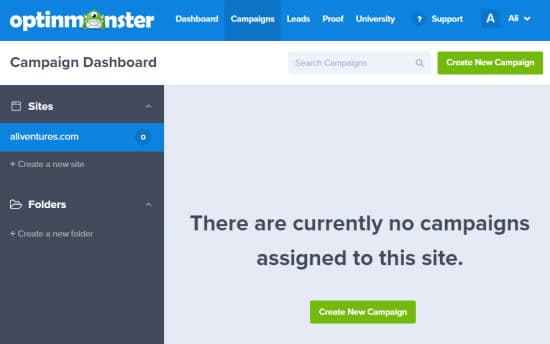
Create new campaign
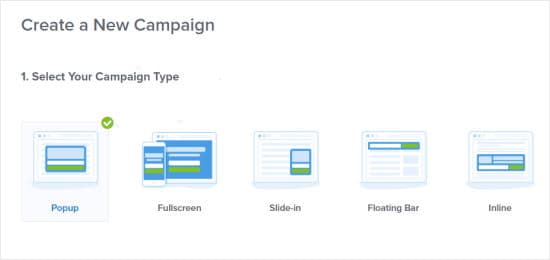
Choose campaign type
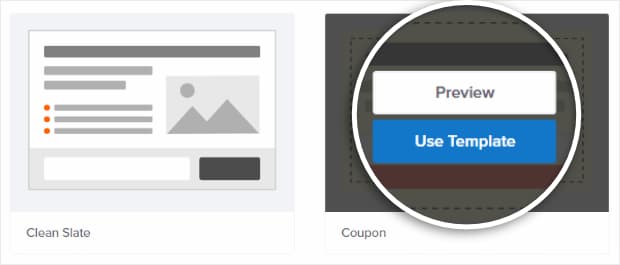
Choose template
Name your campaign
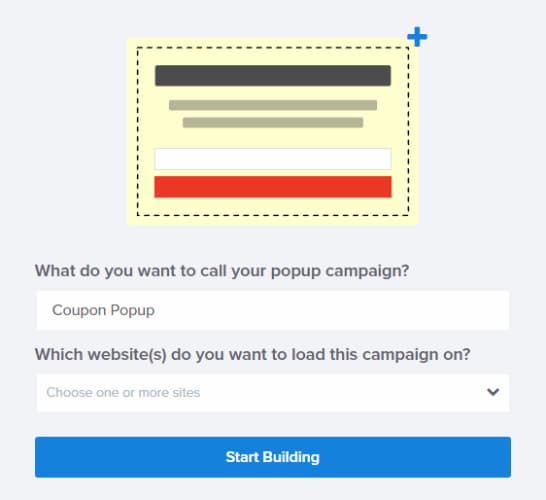
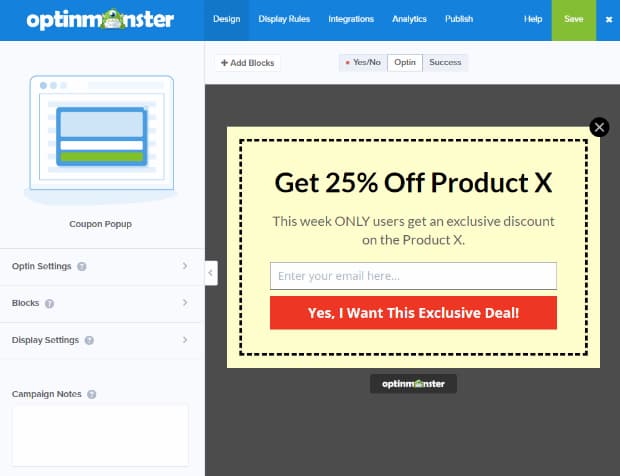
Customize the popup
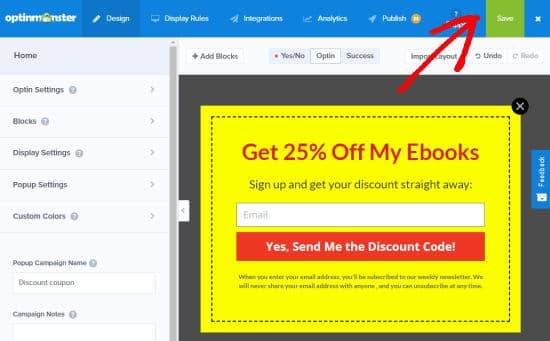
Save your changes
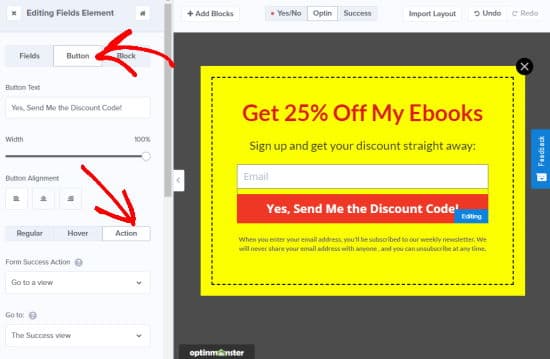
Configure success view
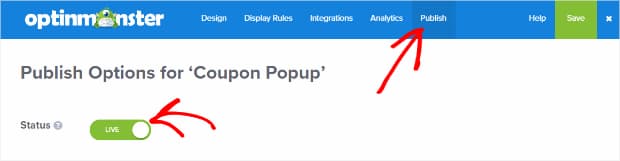
Publish campaign
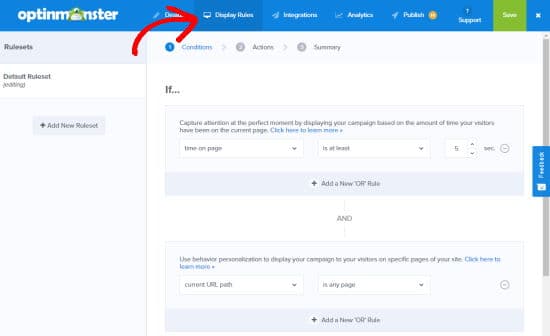
Change display rules
You have now successfully created a coupon popup on your WordPress site to boost sales on your eCommerce store. Hopefully, you can see an increase in sales and less cart abandonment.
By the way, if you haven’t got OptinMonster yet, you can get it by clicking on the below button and try it risk-free for 14 days. If you don’t like the plugin after trying (which I hardly doubt), you can get a full refund with no questions asked. Now, how’s that for a guarantee! Go ahead and try it out!!
P.S. If your online store is powered by WooCommerce, you might also want to check out these must-have WooCommerce extensions.
Discover more from Antony Agnel
Subscribe to get the latest posts sent to your email.
 Antony Agnel