
What is Zapier
Zapier is an automation platform that allows you to integrate different web applications and create custom workflows that can be fired with the help of triggers. What this means is that you can connect two of your favorite applications and choose what should happen automatically after a trigger is fired without any manual intervention.
For example, you can connect Gmail with Trello to create a new card on Trello each time you receive an email that matches particular criteria. Let’s just say that if the email has the subject ‘Project Details’, it should create a new Trello card automatically.
Here, Gmail and Trello are your favorite web applications. And a new email with the subject ‘project details’ is your trigger. The creation of a new Trello card with the details extracted from your email is the workflow.
Now, you get an idea of what you can do with Zapier. Right?
Benefits of connecting WPForms with Zapier
With Zapier, you can instantly connect WPForms with 3,000+ other web applications that you use every day in both your personal and business life to automate your work. It is the ultimate productivity booster for startups and large businesses alike. Using Zapier, you can easily connect your WordPress forms to numerous web applications to add even more functionality.
Some of the type of applications you can connect to WPForms using Zapier include –
- Email marketing and lead generation platforms
- CRM tools
- Project management solutions
- Databases
- Phone and SMS services
Examples of WPForms + Zapier integration
Using the WPForms and Zapier integration, you can –
- Create a Lead in Salesforce
- Create invoices on FreshBooks
- Send text messages using Twilio
- Make a task in Trello or Asana
- Add a customer in QuickBooks
- Get a Slack Notification
- And many more. The list is endless!
How to connect WPForms with Zapier
Before you proceed with the below tutorial, you should be aware that you need the Zapier add-on for WPForms for the automation to work.
Install the Zapier addon

Open Integrations page
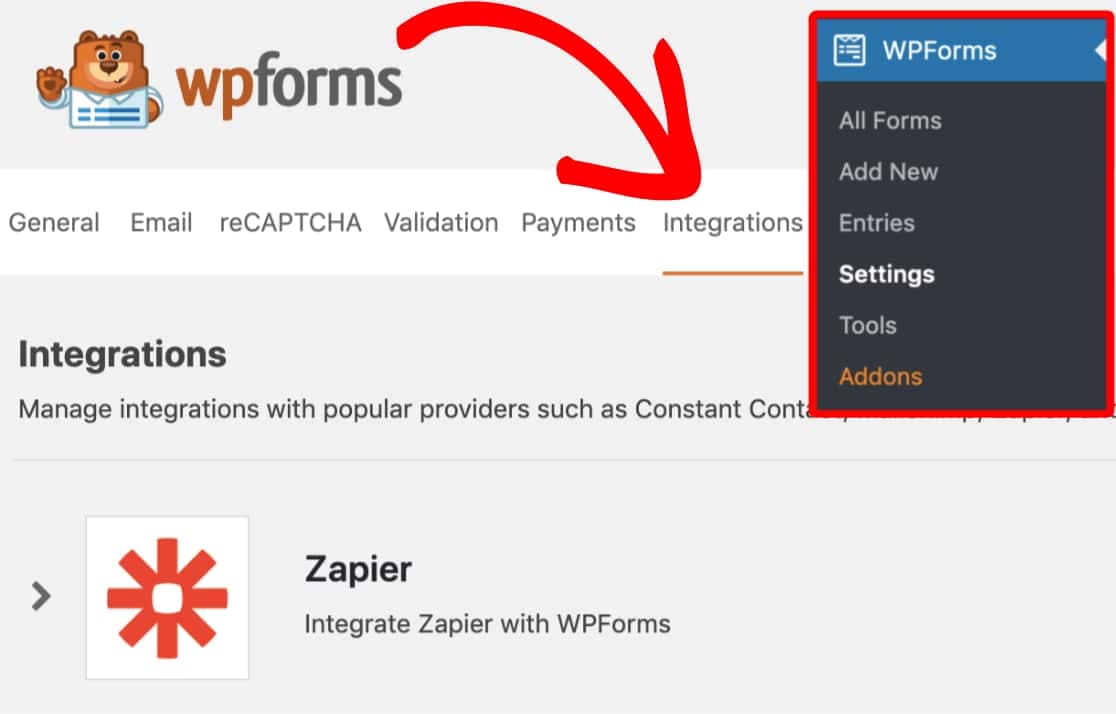
Find Zapier API key

Create zap in Zapier
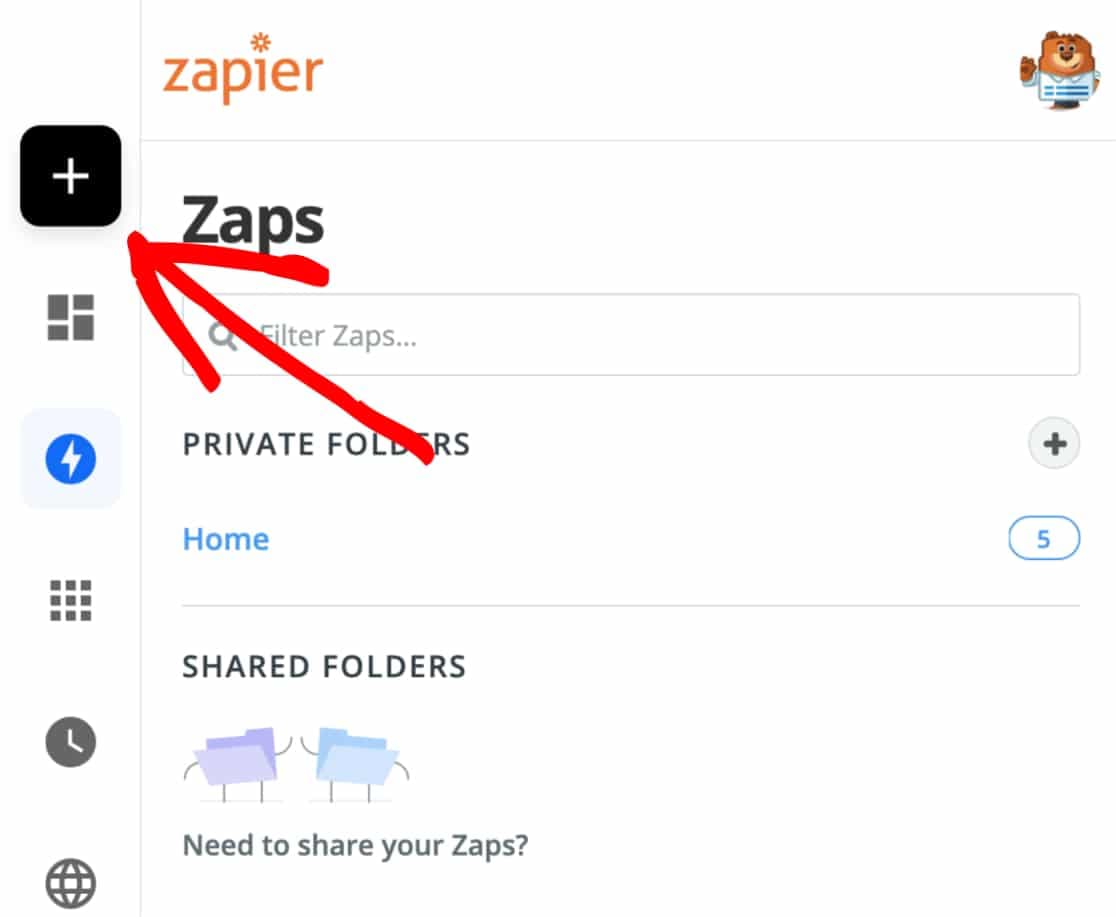
Enter zap details
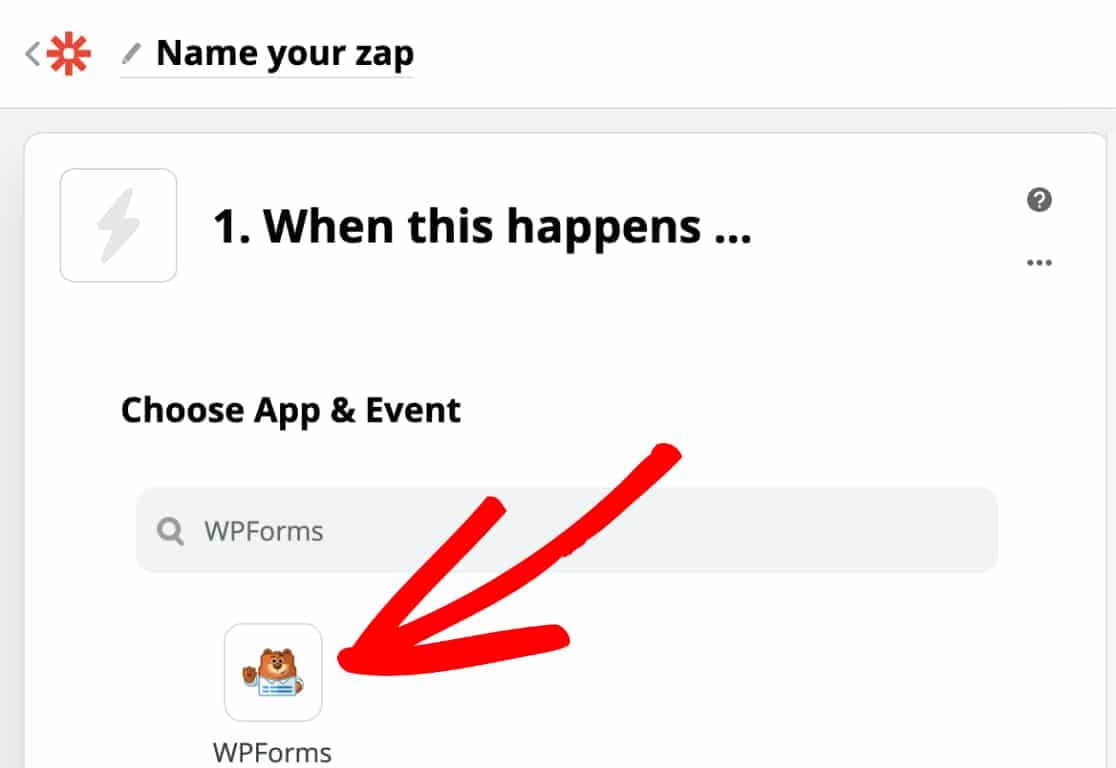
Choose trigger event
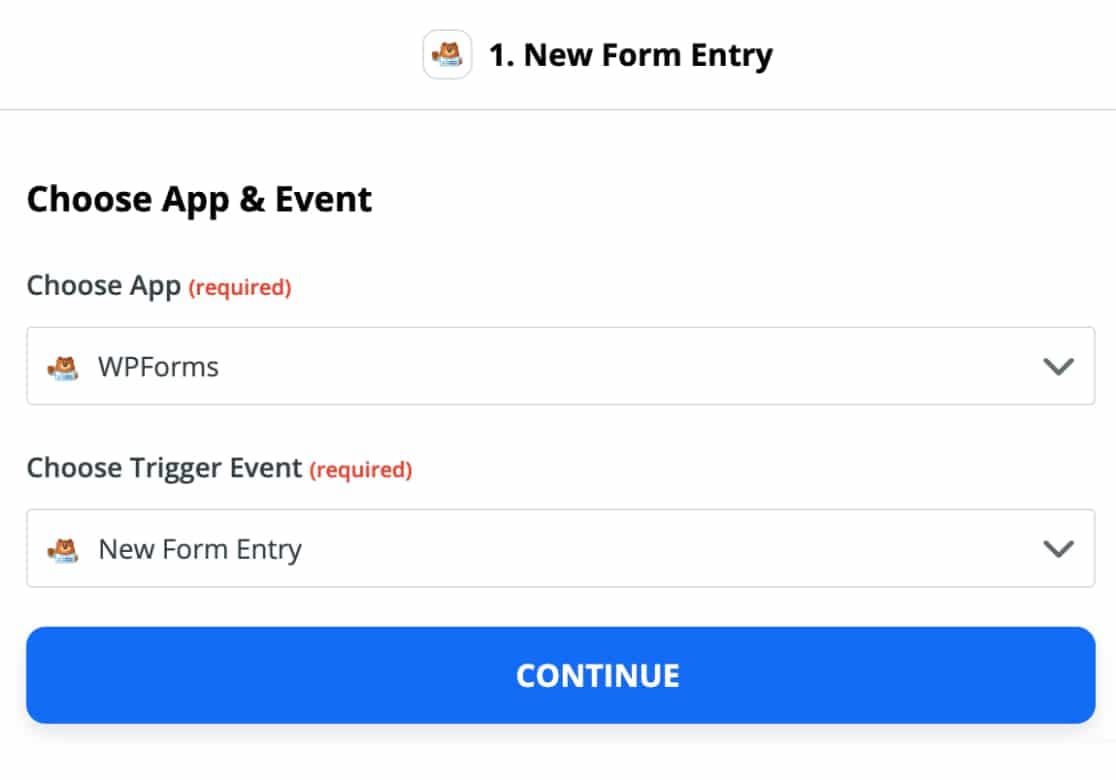
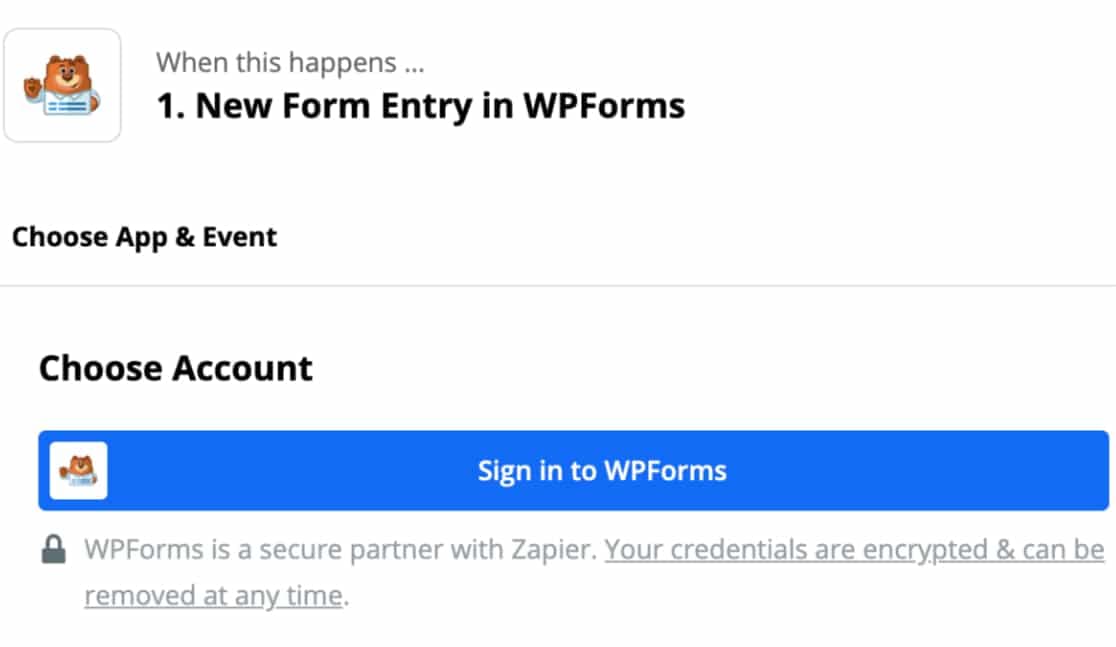
Connect Zapier to WPForms
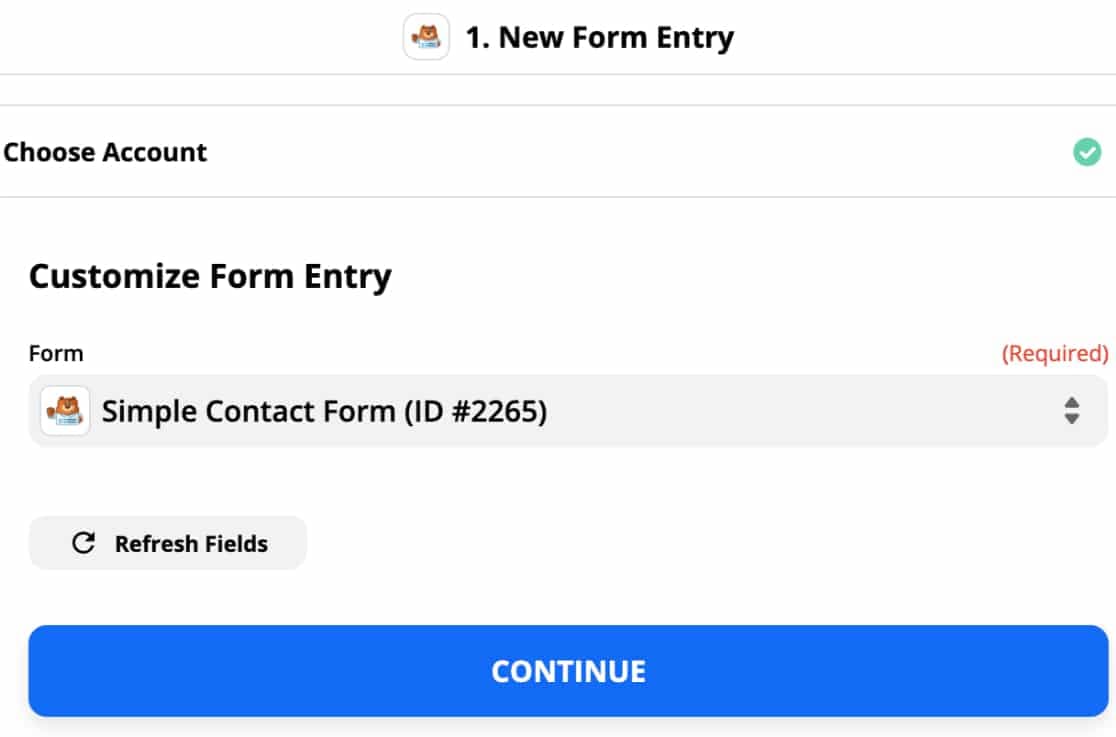
Customize form entry
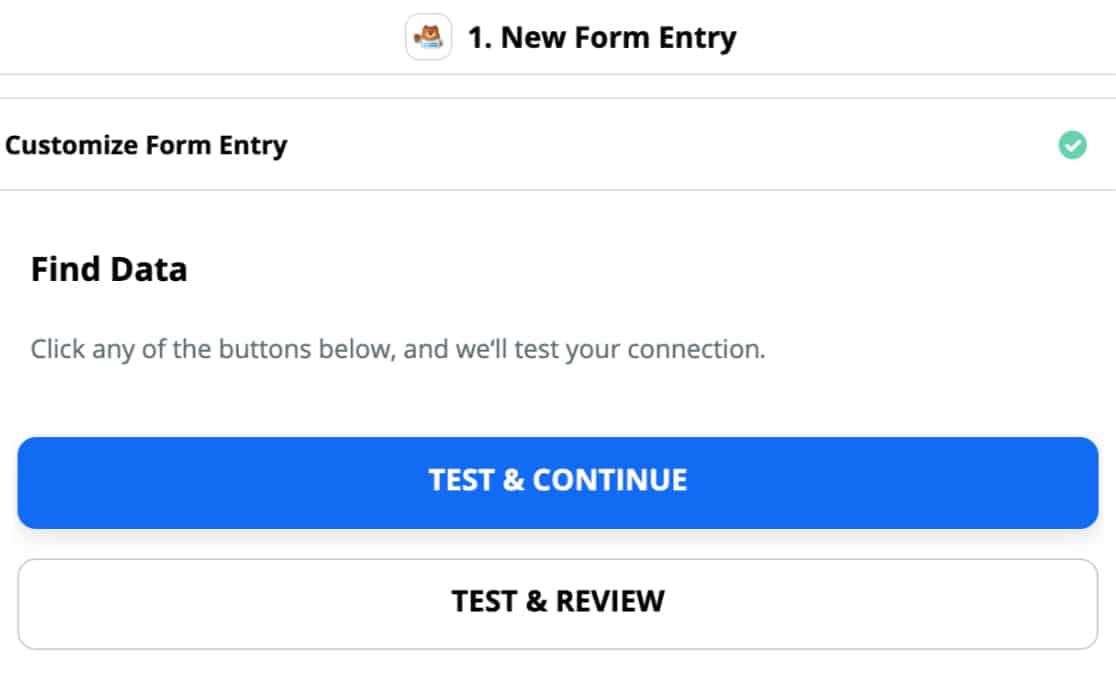
Test the connection
Choose target app and event

That’s it, you have now successfully connected WPForms with Zapier and in turn to 3000+ other web applications. The list of things you could do with this integration is endless. Also, you needn’t worry about integrating your WordPress form entries with new software or services in the future. It’ll most likely be available on Zapier and you can just take advantage of that!
If you haven’t got WPForms Pro yet, now would be a good time I think. What do you say?
Discover more from Antony Agnel
Subscribe to get the latest posts sent to your email.
 Antony Agnel
Also, you needn’t worry about integrating your WordPress form entries with new software or services in the future.